- Login to cPanel.
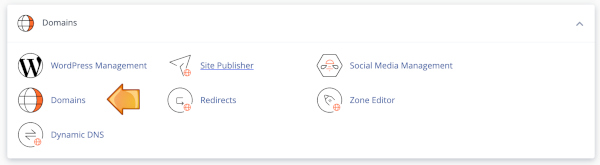
- Locate and click on the "Domains" icon under the "Domains" category
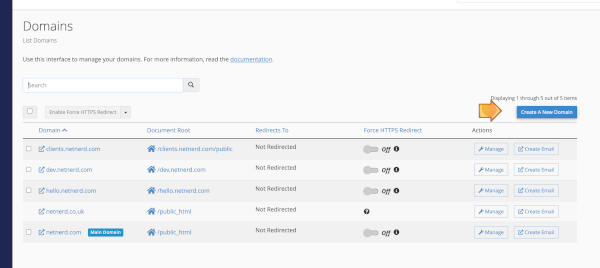
- Click the "Create a new domain" button:
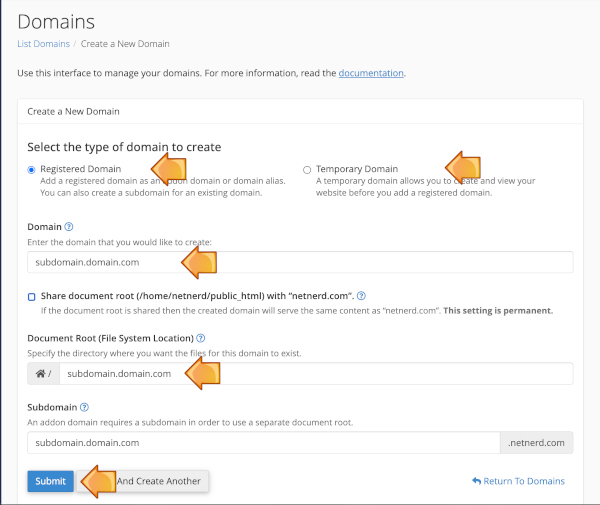
- If the subdomain is within a registered domain select "Registered Domain". If the subdomain isn't within a registered domain select "Temporary Domain".
- In the domain field, type the full subdomain (don't include https:// or http://).
- You can let the document root field autocomplete, unless you would like to manually specify a document root with a name that differs from the subdomain (in which case you'll need to manually enter the document root - as this is a folder location, it's advisable not to include spaces).
- Click Submit: